

 11
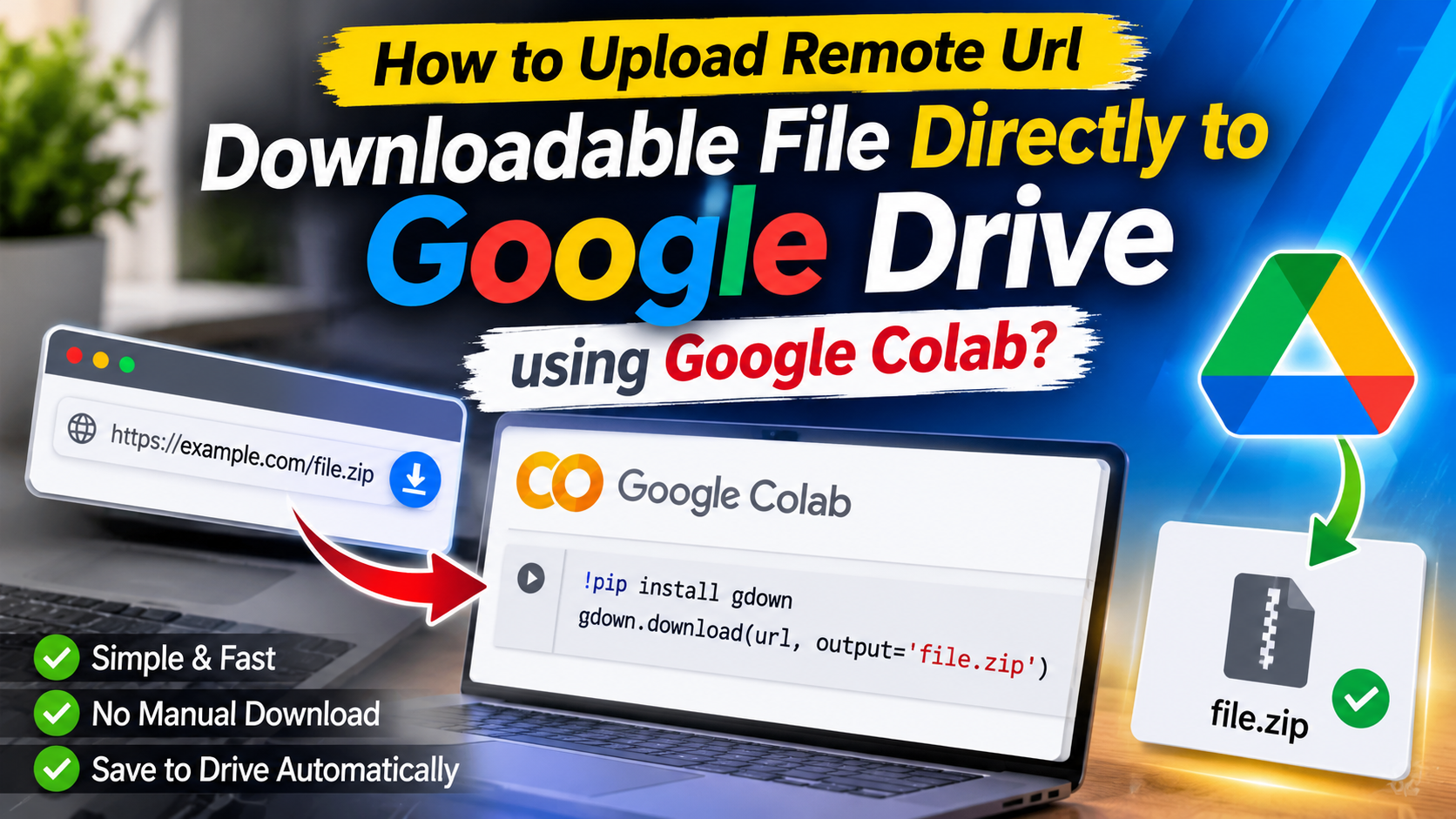
Downloading large files from the internet can consume a lot of mobile data and take considerable time. But what if you could download files directly to your Google Drive without downloading them to your computer first?
In this tutorial, you will learn how to upload or download files from a remote URL directly to Google Drive using Google Colab. This method is useful when you want to transfer large files to your Google Drive without using your computer’s local storage.
Google Colab is a free, cloud-based Python notebook environment provided by Google. It allows users to run Python code directly from a web browser without installing additional software.
By using Google Colab, you can download files from remote URLs and save them directly to your connected Google Drive.
Here are some advantages of downloading files directly to Google Drive using Google Colab:
Before starting, make sure you have:
First, download the text file containing the Google Colab notebook code provided with this tutorial.
Visit the official Google Colab website:
https://colab.research.google.com
Open a new notebook.
Open the downloaded text file and copy the provided Python code.
Paste the code into a code cell in your Google Colab notebook.
Click the Connect button in the upper-right corner of Google Colab.
Wait until the notebook connects to its runtime.
Click the Run button beside the code cell.
If Google requests permission to access your Google Drive, follow the authorization instructions and allow the required access.
Follow the instructions in the notebook and provide your direct downloadable URL and destination folder or file name if requested.
Run the cell to start the download.
Once the process is completed, open your Google Drive and check the destination folder for the downloaded file.
Downloading files directly from remote URLs to Google Drive using Google Colab is a convenient way to transfer large files without first saving them to your computer.
With a Google account, an internet connection, and a simple Colab notebook, you can easily automate file downloads and manage them through Google Drive.
Try this method and make your file transfers easier!